

The real problem
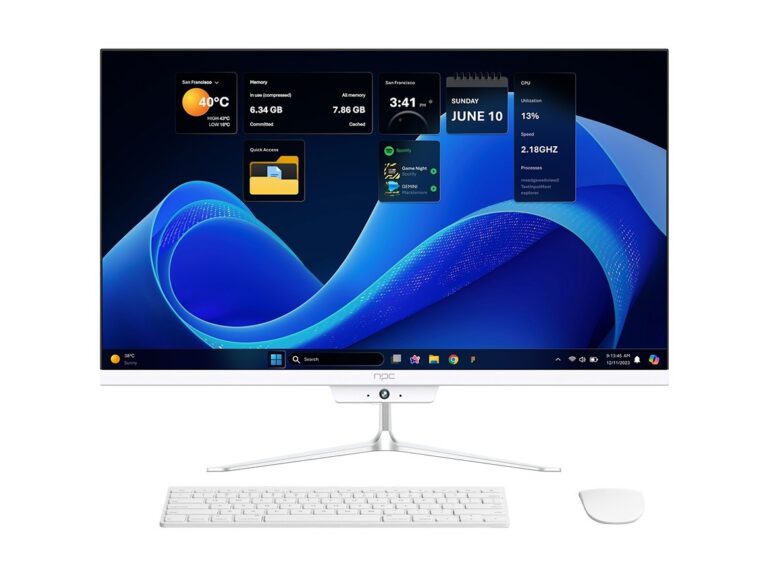
Smart TV OSs crash, hang, or lag at weird times and users rage-quit fast. Apps that work on one panel fail on another because OEM tweaks differ. If your app or firmware has to run across vendors, test against a real monitor manufacturer profile early — not just an emulator. Small UI glitches become huge support tickets once millions of living rooms are involved.
Core areas you must cover
Boot and firmware stability; OS update and rollback flows; app lifecycle (background/foreground/app kills); input latency for remote, voice, mobile-cast; AV sync, HDR tone mapping, color gamut and resolution switching; HDMI-CEC and ARC/ eARC behaviors; DRM playback across Widevine/PlayReady; network resilience (Wi‑Fi drops, captive portals, slow links); memory leaks and process restarts; OTA delivery, checksum validation, and recovery paths; security (privilege escalation, sandboxing, credential storage); accessibility (screen reader, focus order); localization and regional behavior. Test each at scale and under flaky networks.
How to test — practical moves
Mix automated and hands-on checks. Run CI smoke tests on emulators, but back them up with device farms and a few physical sets for each vendor. Use scripted input to reproduce remote sequences and fuzz input for voice/IR. Simulate WAN problems with packet loss, latency spikes, and DNS failures. Capture full system logs, serial traces and power-cycle logs. Validate telemetry and crash reports so you can trace regressions to commits. Prioritize tests that break UIs fast: resource starvation, race conditions, and cold boots.
Test design that actually finds bugs
Favor scenario-based tests: “power on, OTA, play DRM stream, switch HDMI, cast, exit” rather than isolated unit checks. Cover edge cases like slow CDN responses, partial firmware blobs, and multiple simultaneous connections. Create negative tests: corrupted manifests, expired certificates, and malformed CEC commands. Run long-duration soak tests to catch leaks and scheduler drift. Measure performance: frame drops per minute, input-to-action ms, and boot-to-home seconds. If you can’t measure it, you can’t guarantee it.
Common mistakes teams make
Skipping physical hardware early. Relying solely on emulators. Not testing with region-specific services. Ignoring power-cycle and OTA failure modes. Treating DRM as “it works” until release. Forgetting to validate remote and mobile companion apps together. Under-instrumenting logs so crashes are irreproducible. Overlooking accessibility and localization until late QA. Any of these turns releases into hotfix sprees.
Experience, evidence and a reality check
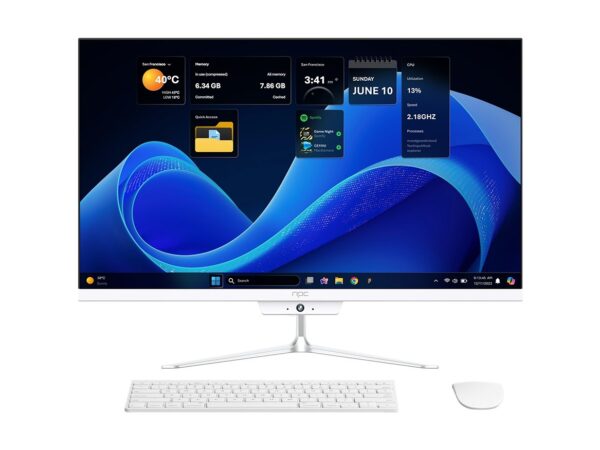
Proven vendors show up at CES in Las Vegas to demo playback and interoperability across panels; those demos highlight what fails in real installs and what passes at scale. Field data from these events and post-show reports make it clear where playback, HDR, and DRM need extra scrutiny — and you can compare findings to lab results for validation. For a quick hardware reference when mapping test coverage, check best pc monitors to understand display capabilities you’ll need to validate against.
Quick checklist to start today
Run: boot, OTA, DRM playback, input latency, HDMI switch, cast, network drop, long soak. Automate the repetitive flows. Keep a small matrix of physical devices per vendor. Log everything and tie crashes to builds. Train release engineers on rollback and recovery. Share failing traces with partners early so fixes aren’t one-off hacks.
Wrap-up
Fix the big, repeatable failures first: boot/update resilience, DRM playback, and input/AV sync. Make physical testing non-negotiable and instrument every path for fast triage. That approach shrinks support load and makes integrations with suppliers like npc straightforward and predictable.