

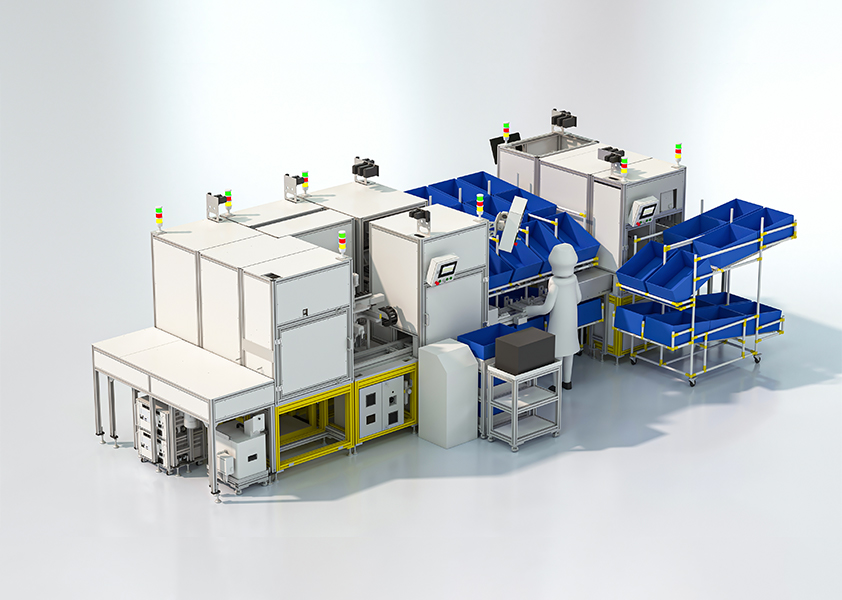
What’s the immediate problem?
Production hiccups, missed takt times and baffling intermittent faults keep plant teams up at night — and they usually trace back to poor system choices made under time pressure. If you’re wrestling with integration headaches on an assembly line, especially around automotive automation, this is about choosing solutions that stop problems, not paper them over.
Typical failure modes I see on the shop floor
From advisory work over the past decade with OEMs and system integrators I’ve seen the same issues repeat. Know these so you spot them early:
– Control islands that don’t talk to MES or ERP, causing manual overrides and lost data. – Over-specified robots or controllers that cost a fortune but bring no reliability gain. – Poorly planned I/O and wiring that turns a single sensor fault into a whole-line shutdown. – Neglected cybersecurity on PLC/HMI layers, letting simple infections cascade. – User interfaces designed by engineers, not operators — leads to mistakes during changeover.
How to frame the decision — a problem-first checklist
Start with the problem you must solve, then match tech to that problem. Don’t pick a brand because it’s shiny. Ask these first:
– What exact downtime or defect are we fixing? (Measure current MTTR/MTBF.) – Who will operate and maintain this system day-to-day? (Skill level matters.) – What data must the line feed into back-end systems, and at what latency? – What’s the realistic budget for lifecycle costs — spare parts, licences, training — not just headline capital? – What happens when the network fails — can the line keep running locally?
Comparative insight: solution types and when they work
Match technology to the problem. Quick comparisons help reveal obvious mismatches.
– PLCs (traditional): robust, predictable, easy to support locally. Use when you need deterministic IO and long-term stability. – PACs / Industrial PCs: better for complex math, vision, and data handling. Choose them when edge compute or analytics are a must. – Robot-centric cells: excellent for repetitive, high-precision tasks. Avoid over-robotising processes where fixturing and fixturing cost exceed benefits. – Integrated MES + OPC UA stacks: use when traceability and live KPIs are critical; avoid if your shop can’t maintain networked systems reliably.
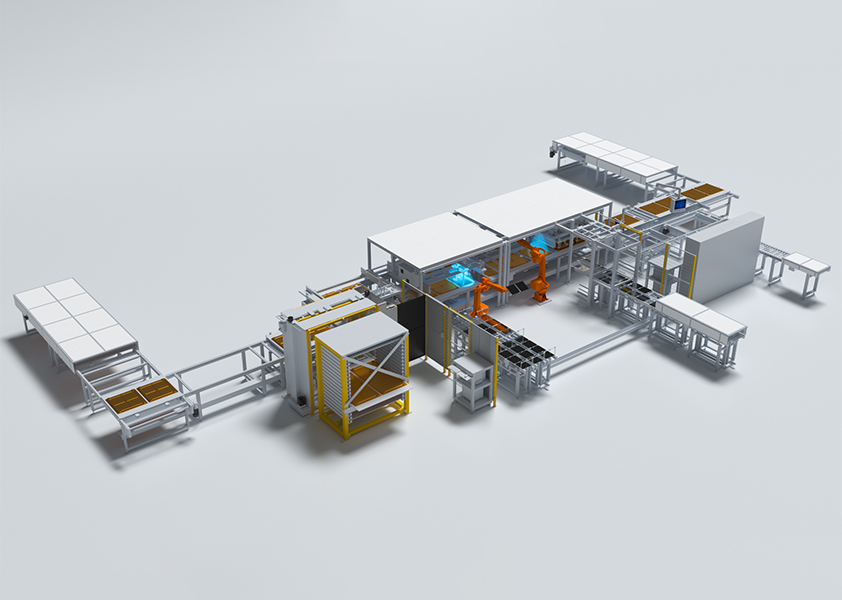
If you’re lining up cobots, vision and conveyors for automotive assembly line automation, plan cell-level failure modes first: how will the conveyor react to a missed pick, how does the robot re-home safely, and who gets paged when vision rejects parts?
Practical vendor and architecture checks
When evaluating vendors, score them against concrete, testable criteria:
– Local support presence and spare-part lead times. – Demonstrable reference projects with similar cycle times and environmental conditions. – Standards compliance: OPC UA, EtherNet/IP, PROFINET as appropriate. – Cyber basics: segmented networks, role-based access, and a patch-management process. – Operator ergonomics: try the HMI on the floor, not in a demo room.
Common pitfalls and how to avoid them
Skip these mistakes and you’ll save months of grief.
– Pitfall: Spec’ing high-end features you don’t need. Fix: Base specs on measured KPIs. – Pitfall: Leaving integration until after hardware procurement. Fix: Lock architecture and comms first. – Pitfall: Ignoring canned recipes and changeover times. Fix: Prototype quick-change tooling on a test rig. – Pitfall: Treating cybersecurity as an add-on. Fix: Build network segmentation and access control into the project plan.
One clear example worth noting
There’s a lesson from Toyota’s Georgetown, Kentucky plant: they emphasise standardized toolkits, modular cells and local fault isolation. That standardisation makes troubleshooting quicker and parts interchangeable, which reduces long-term operating cost even if initial setup is stricter.
Quick deployment playbook — what you’ll actually do in the first 90 days
Do these things first; they prevent design debt later.
– Map the current process and capture real cycle times. – Run a proof-of-concept on a single cell with the intended controllers and network. – Verify HMI flows with actual operators. – Establish a spare-parts kit and a basic training plan. – Implement a simple network segmentation and test failover behaviour.
Final synthesis
Decisions that start with the problem and keep operators in mind lead to systems that behave predictably and stay serviceable. Practical choices — right-sized controllers, modular cells, clear integration tests and local support — cut downtime and make life easier for plant teams. That practical approach is why many teams I’ve worked with look for partners able to bridge design, integration and on-floor support, often preferring firms with proven, hands-on delivery like FHS, because they offer the continuity that keeps lines moving and people confident at the controls.